
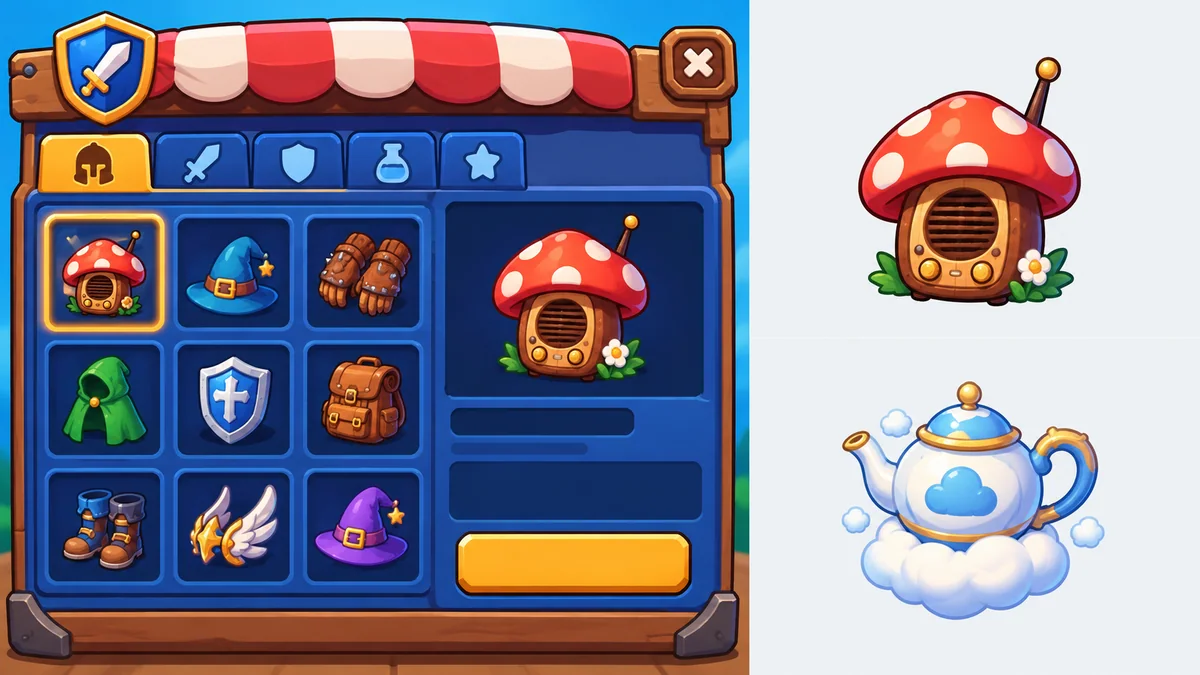
Shop: named collectibles
A Shop direction with unusual item names and separate visual roles.
STRUCTURED ROBLOX UI WORKFLOW
ClickCrit is an AI Roblox GUI maker that turns a screen brief into a reviewable plan, an original asset board, and an editable native UI preview. Confirm details before spending a Credit.
Use this Roblox UI generator for Shop, Inventory, or Rewards screens when names, counts, labels, and actions must stay intentional—not become accidental mockup text.
Independent tool. Not affiliated with Roblox. Review is free; generation uses 1 Credit and eligible failures are refunded.
01
Check the screen type, exact names, copy, quantity, and optional components before image generation.
02
Keep labels and buttons as runtime UI data instead of generated raster text.
03
Use one asset board as the source, then review candidate entity slices with their roles.
EXAMPLE OUTPUTS
These original Roblox GUI maker outputs show Shop, Inventory, and Rewards flows before game integration. They do not promise a finished game or universal visual match.
A Shop direction with unusual item names and separate visual roles.
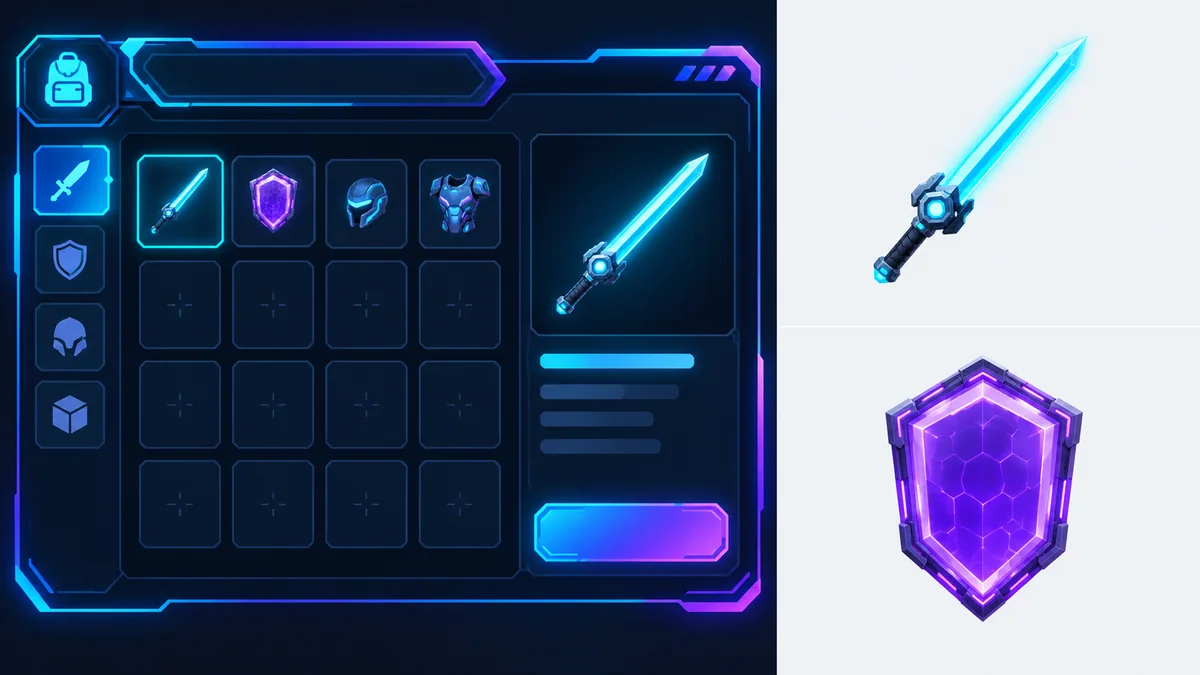
Laser Sword and Plasma Shield remain product data, not guessed image text.
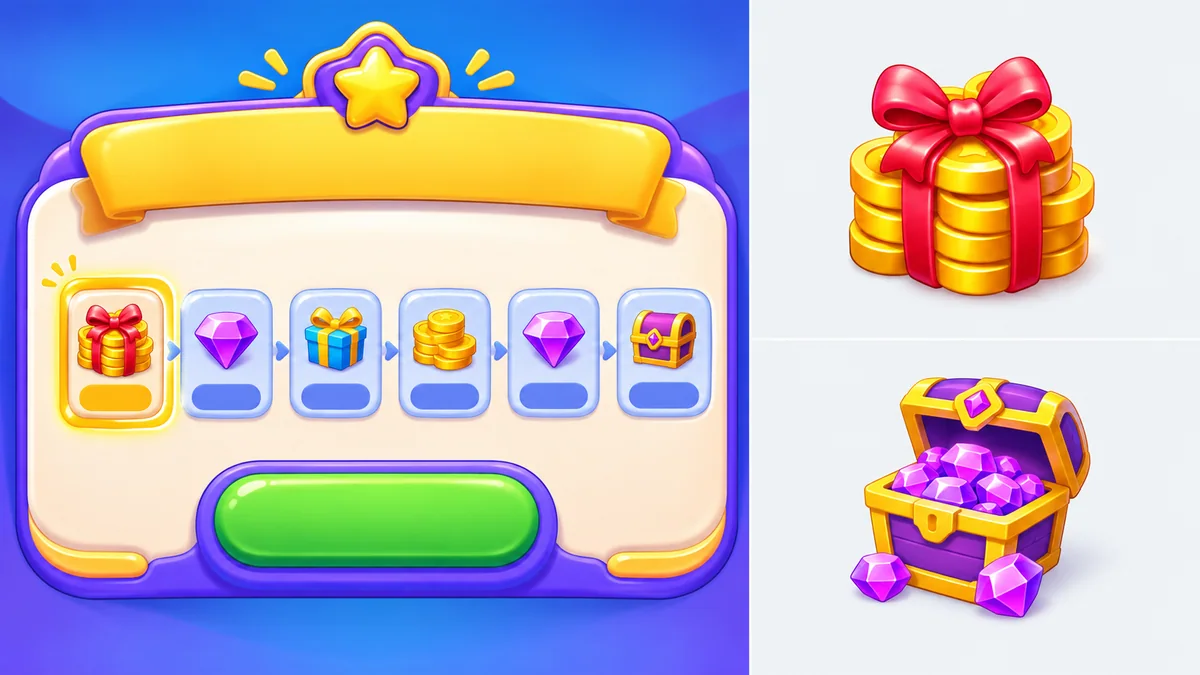
A Coin Bundle and Gem Cache validation example, not a live game screenshot.


The board supplies visual candidates; titles, order, labels, prices, and action copy remain in the structured Roblox GUI plan.
HOW TO USE THE ROBLOX GUI MAKER
A fast form captures intent; confirmation exposes the structured information before visual generation.
STEP 01
Choose Shop, Inventory, or Rewards. Add the exact title, action, and one to eight entities.
STEP 02
Review the archetype, components, order, copy, and visual direction. Correct names or counts before image work.
STEP 03
The Roblox GUI maker creates one asset board and prepares entity candidates for review before export.
STEP 04
Preview the deterministic layout and download available visual files or the Preview Studio Pack. Studio integration remains a developer step.
FOR ROBLOX CREATORS
Plan items, tabs, currencies, and a primary action without baking copy into art.
Pair exact labels with visual candidates for gear, pets, upgrades, or cosmetics.
Create named rewards and a claim action for a prototype or small-team handoff.
WHAT THE CURRENT PREVIEW DOES
The Roblox GUI maker joins visual direction and editable layout data through a controlled workflow; it does not promise finished gameplay.
Internal text-only validation produced distinct Shop, Inventory, and Rewards candidates; individual game styles can still vary.
COMPARE WORKFLOWS
We compare workflow categories, not unsupported competitor claims. Image-first tools suit visual exploration; plugin and chat-first builders suit iterative implementation. ClickCrit adds a structured decision and review stage before generation.
Confirm exact entity names, count, and copy; generate one board; review visual candidates with a deterministic runtime preview.
Useful for a fast full-screen visual direction. Independent items, copy, and click areas may need a separate implementation step.
Useful when iterative code changes or direct Studio connections are the priority. Pricing and component behavior vary by product.
SIMPLE PREVIEW PRICING
Confirming a Roblox GUI plan is free. When you choose Generate, one Credit covers the asset-board request, local slicing, and web runtime preview. Eligible provider, download, or slice failures are refunded; deliberate new visual generations require a new confirmation.
FAQ
No. ClickCrit is independent and is not affiliated with, endorsed by, or sponsored by Roblox.
The current maker supports structured Shop, Inventory, and Rewards screens with one to eight named entities and editable web copy.
Titles, labels, prices, and button copy are native runtime text, not generated raster text.
You may upload one image that you have permission to use. Reference matching is optional, and text-only generation remains available when you do not upload an image.
Reviewing is free. Generate starts one Image 2 asset-board request; eligible provider, download, or slice failures are refunded.
No. Preview downloads may include visual assets and an import guide, but game logic, RemoteEvents, purchases, and publishing remain your responsibility.
READY TO PLAN A SCREEN?
Start with the details your players will see. Review them, then generate a visual direction you can inspect and take into the next implementation step.
Open the Roblox GUI MakerOPEN MAKER
Use the guided form to make the information that must stay exact explicit. You can return to edit before clicking Generate.
Step 1 of 2
Your items and copy are the source of truth. The optional goal helps later visual work, but cannot replace them.
This cannot add items or rewrite your copy.
Upload one PNG, JPEG, or WebP image to guide the visual direction. The service validates the file before use.
Built for 16:9 desktop/landscape. Completed generations include a downloadable Preview Studio Pack.