
AI THUMBNAIL PACKS FOR ROBLOX GAMES
AI Roblox Thumbnail Maker for Four Distinct Concepts
ClickCrit's Roblox thumbnail maker turns one permitted game reference into four production-ready creative directions. This thumbnail generator workflow lets you compare clear visual hypotheses, refine the strongest concept, and export a full-size thumbnail built around your game.
Eligible new users get 5 free Credits once. Generate a complete four-image Thumbnail Pack for 4 Credits, then try one GUI with the remaining Credit. Shared across Thumbnail, GFX, and GUI; no card required.
ONE REFERENCE, FOUR CONCEPTS
See the complete creative decision set
This authorized example shows how the Roblox thumbnail maker turns one permitted reference into four outputs inside the same ClickCrit project.
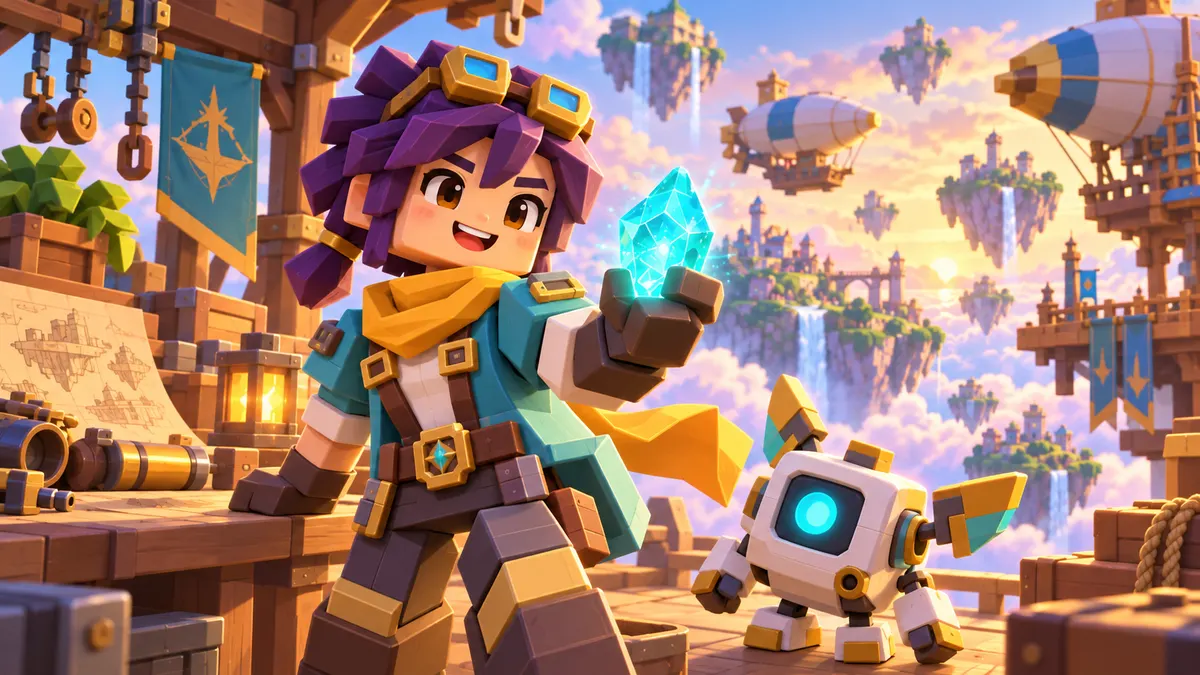
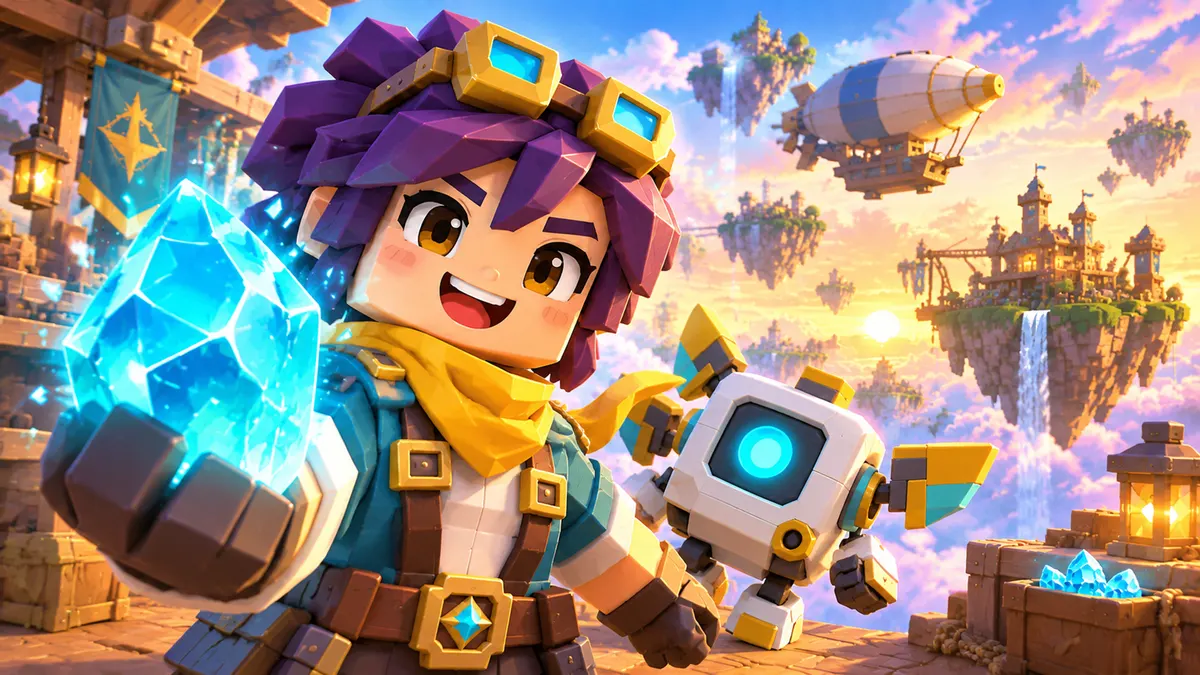
Character Hero
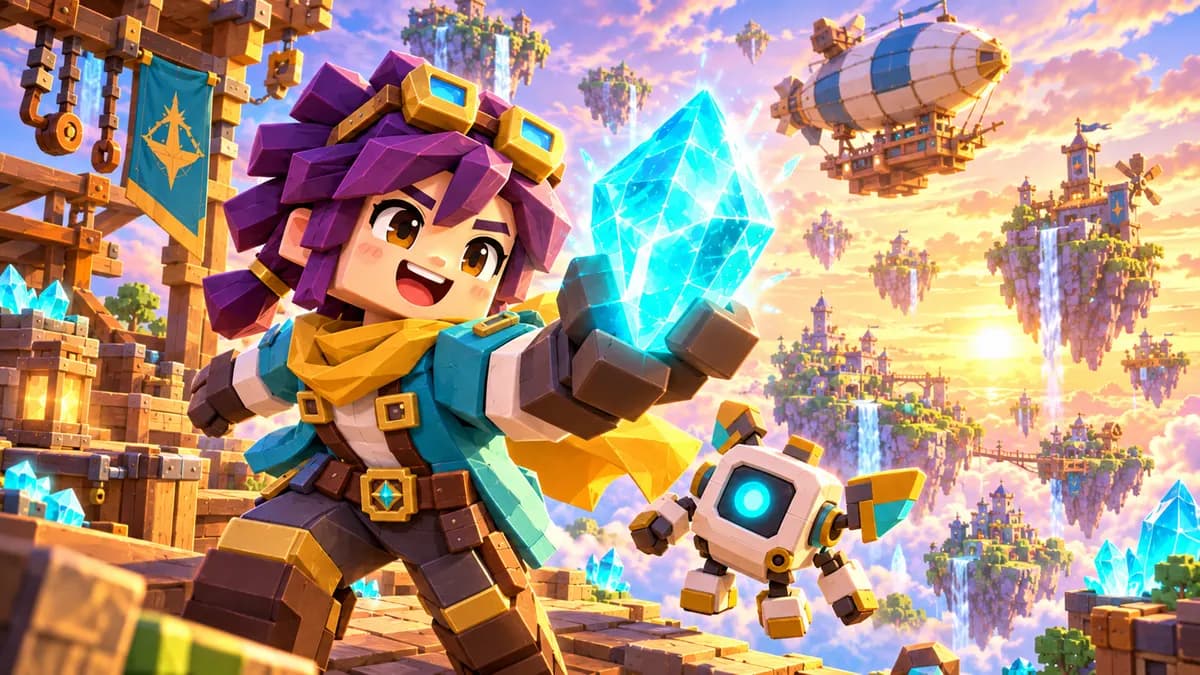
Action Interaction
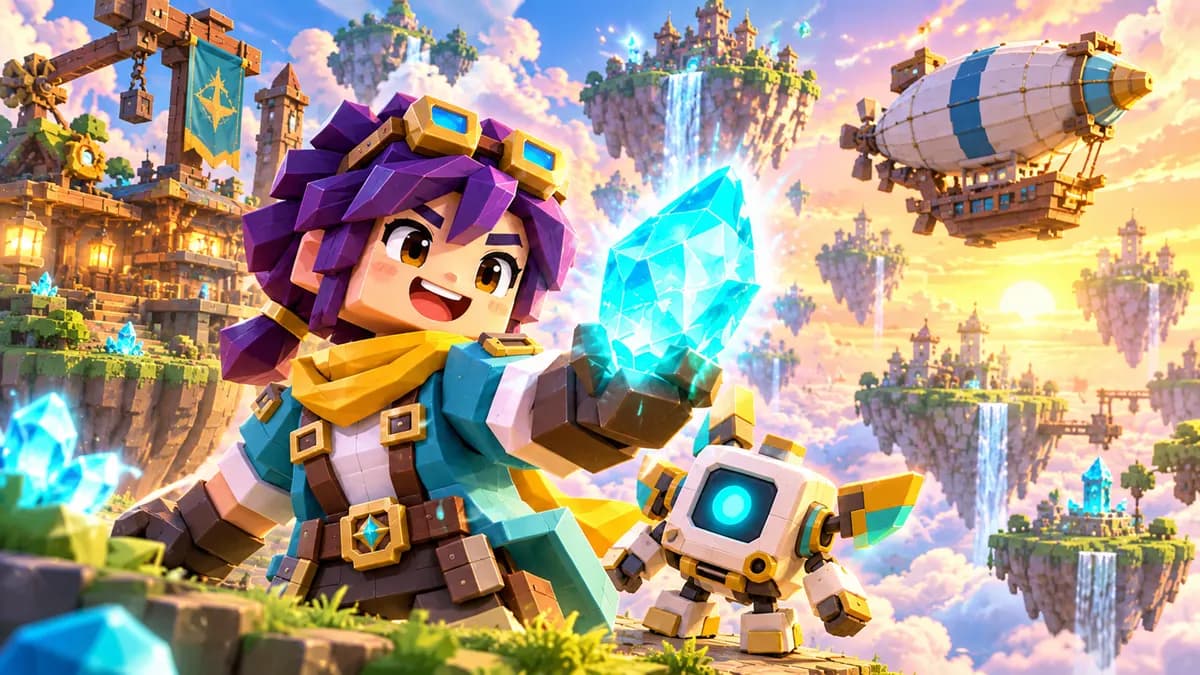
Feature Reveal
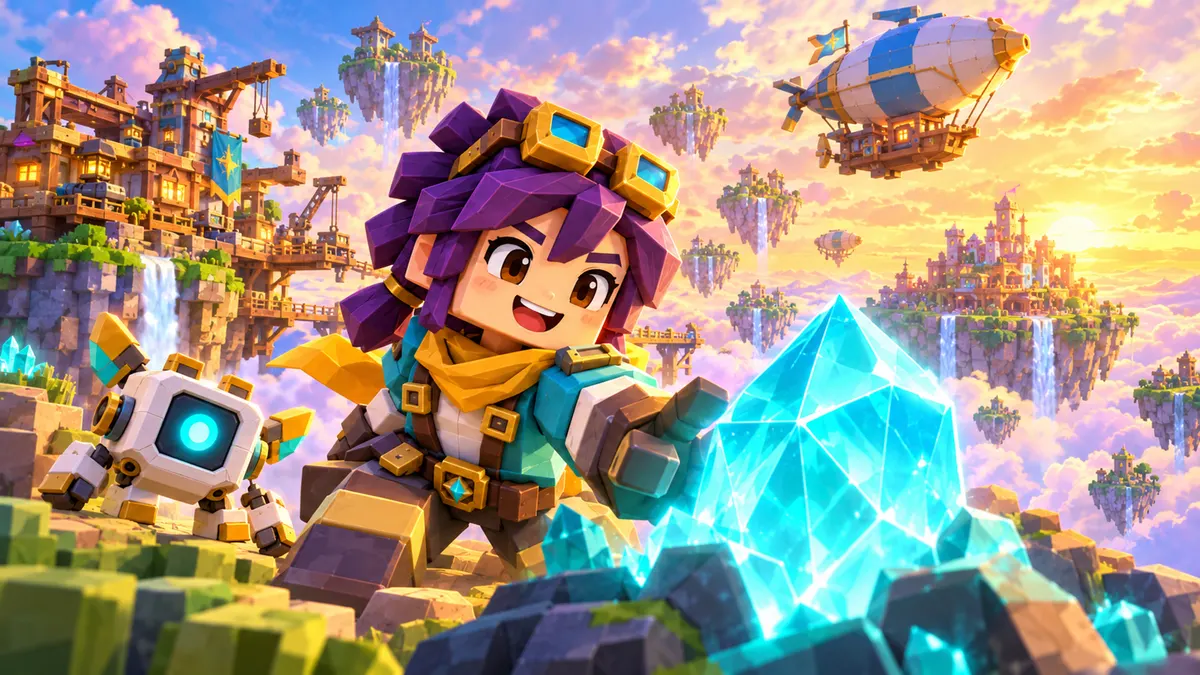
Progression Challenge
BUILT FOR ROBLOX THUMBNAIL PERSONALIZATION
Give Roblox four real creative options—not four near-duplicates
Roblox lets creators activate two to five thumbnails for Home recommendations. Its personalization system explores the options, measures qualified play through rate, and gives more impressions to the images that work for each audience.
The Roblox thumbnail maker delivers four distinct concepts in one project—right inside that official testing range—so you can launch with a meaningful set instead of repeatedly generating isolated images.
Read Roblox's official thumbnail guidance ↗2–5
active thumbnails supported by Roblox personalization
4
distinct concepts in every ClickCrit Thumbnail Pack
1920 × 1080
full-size PNG export for a crisp 16:9 thumbnail
WHY A THUMBNAIL PACK
Four concepts turn one brief into a real creative decision
Each candidate has a different visual job: make the character memorable, make the action readable, reveal the new feature, or make the challenge feel urgent.
Game-specific from the start
Bring your game, campaign goal, Visual Type, and one private reference into a focused brief.
Designed to be compared
Every concept uses a distinct composition strategy, giving your team useful choices instead of cosmetic variations.
Ready for publishing
Refine the strongest direction and export the finished image at the size Roblox recommends for thumbnails.
BUILT FOR ROBLOX TEAMS
A faster Roblox thumbnail maker workflow for every size of team
Use ClickCrit whenever a launch, update, event, or live-ops beat needs a stronger first impression.
01
Solo creators
Move from an in-game screenshot to four credible directions without building a full art pipeline.
02
Small studios
Review a complete concept set together and agree on the strongest message before publishing.
03
Growth and live-ops teams
Create fresh thumbnail directions for updates, events, and audience tests while keeping game context visible.
SIX VISUAL TYPES
Start from the visual formula your game already uses
Choose one core direction, then bring your specific characters, maps, features, and campaign moment into the workflow.
Read Thumbnail GuidesAnime / Fighting / RPG
Power, conflict, rare gear, and boss pressure.
Explore directions →Simulator / Clicker
Rewards, unlocking, and visible growth.
Explore directions →Tycoon / Base Building
Expansion, wealth, and building progress.
Explore directions →Obby
Risk, movement, and near-failure tension.
Explore directions →Horror / Survival
Fear, unknown danger, and escape.
Explore directions →Roleplay / Life / Pet
Identity, relationships, pets, and aspirational life.
Explore directions →HOW CLICKCRIT WORKS
How the Roblox thumbnail maker turns game context into a publishable pack
A focused four-step workflow keeps the creative brief, reference, concepts, and final export together.
STEP 01
Define the campaign
Tell ClickCrit what changed in your game and what the thumbnail should make players feel.
STEP 02
Add game context
Upload one screenshot, character, or asset you have permission to use so every direction starts from your game.
STEP 03
Generate four concepts
Receive four intentionally different compositions instead of spending generations on one-off guesses.
STEP 04
Compare, edit, export
Choose the clearest direction, refine the final details, and export a 1920 × 1080 PNG.
WHY CLICKCRIT
Built for a creative decision, not another generation loop
ClickCrit combines structured game context, four purposefully different compositions, side-by-side review, editing, and export in one project.
Swipe sideways to compare workflows.
| Capability | ClickCrit | Single-image generator | Manual workflow |
|---|---|---|---|
| Output | Four coordinated concepts | One image per prompt | One concept at a time |
| Game context | Reference + campaign goal | Often prompt-led | Depends on the designer brief |
| Creative direction | Four distinct visual jobs | Varies between retries | Built through review rounds |
| Decision workflow | Compare in one project | Manage files manually | Compare across revisions |
| Final delivery | Editable project + 1920 × 1080 PNG | Image download | Depends on scope |
ROBLOX CREATOR TOOLS & GUIDES
Plan, size, and create stronger Roblox visuals
Create square avatar GFX, check the correct thumbnail canvas, plan a useful concept set, and move from a permitted reference to a finished visual.
AVATAR GFX MAKER
Create four square Roblox avatar renders
Start from a Roblox username or a permitted avatar reference, then compare four pose, camera, and lighting directions.
Open the Roblox GFX MakerSIZE & UPLOAD CHECKS
Use the correct Roblox thumbnail size
Confirm the 16:9 ratio, ideal 1920 × 1080 resolution, supported formats, file-size context, and lower safe area.
Check thumbnail dimensionsCREATIVE TESTING
Why ClickCrit creates four Roblox thumbnail concepts
See how four distinct angles help you compare identity, action, feature, and progression messages before you publish.
Compare the four conceptsSCREENSHOT-FIRST WORKFLOW
How to make Roblox thumbnails without Blender
Capture a useful reference, choose one message, compare four directions, review accuracy, edit, and export.
Follow the screenshot workflowFREE THUMBNAIL TESTER
Preview a Roblox thumbnail in a discovery grid
Check the 16:9 crop and small-card readability on desktop and mobile. Your image stays in your browser.
Open the Thumbnail TesterFAQ
Everything you need to create, compare, and publish with confidence
How is ClickCrit's Roblox thumbnail maker different from a basic generator?
Unlike a standalone Roblox thumbnail generator, every Thumbnail Pack is organized around four distinct creative strategies. The goal is to give you different visual hypotheses to compare, edit, and publish—not variations that only differ by chance.
Do I need to write a prompt?
No. You choose a Visual Type, add your game context and a reference image you have permission to use, then ClickCrit builds the four directions around that information.
What happens to my reference image?
Your reference stays private to your project and is not shared with other ClickCrit users. When you start generation, ClickCrit sends a short-lived signed image link and generation instructions to a contracted image-generation provider so it can create the requested image.
Turn your next game update into four thumbnail directions worth testing
Bring your game context to the Roblox thumbnail maker. ClickCrit uses a focused AI thumbnail generator workflow to build the concept set, keep it organized, and get the strongest direction ready to publish.
Create a Thumbnail Pack