
ANIME / FIGHTING / RPG THUMBNAIL IDEAS
Anime / Fighting / RPG Roblox Thumbnail Ideas
Show the power spike before players scroll past.
Build thumbnail directions around signature abilities, rare gear, rivals, and boss-scale pressure—without relying on unreadable AI text.
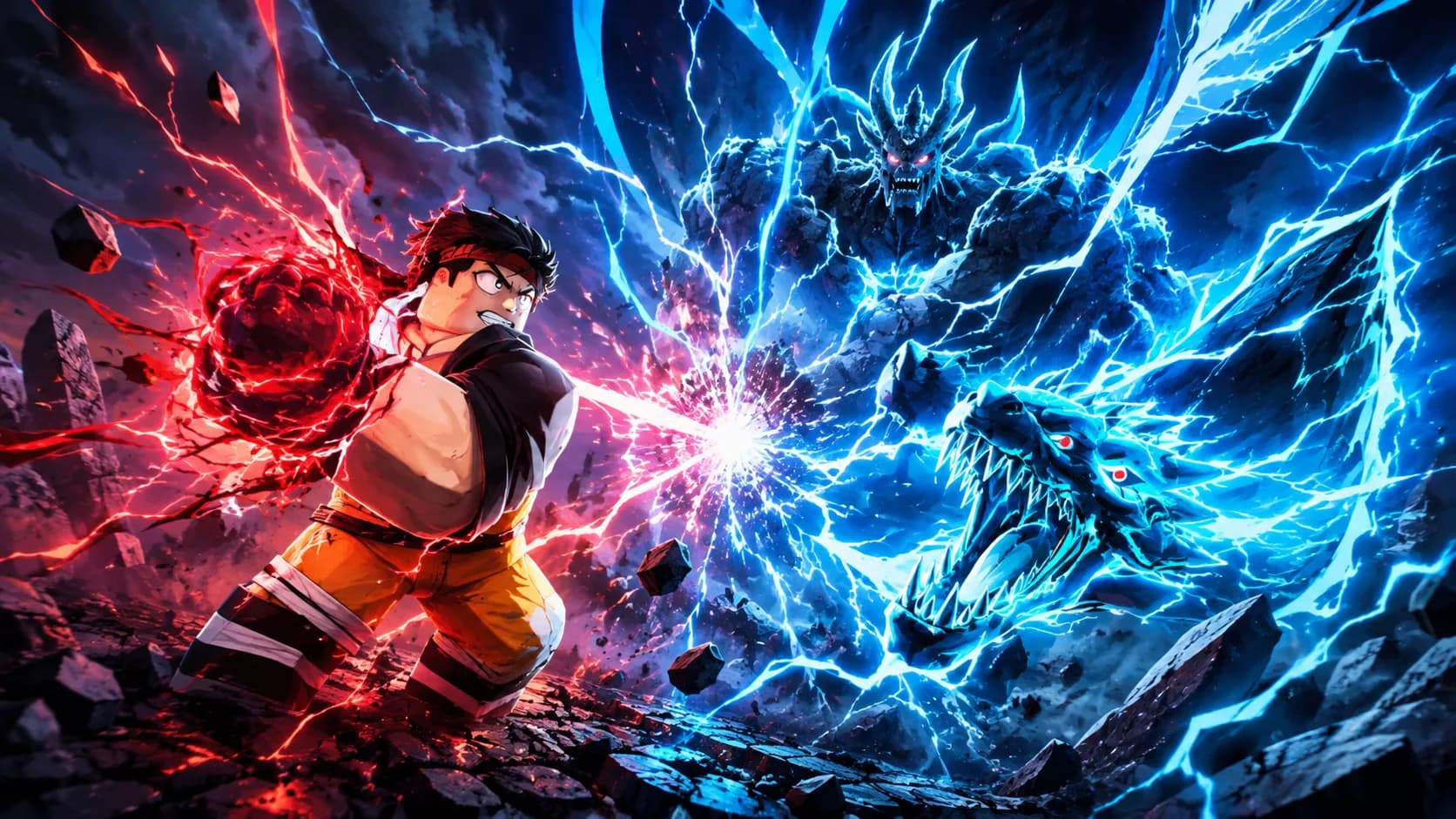
ONE DEMO, FOUR PLANNING IDEAS
Use a clear visual promise before adding detail.
This page combines one ClickCrit demonstration image with four strategy ideas. Generate from your own permitted reference to create a complete four-image Thumbnail Pack.
- Let one character or weapon own the frame before adding the boss or effect.
- Use a clear action line from the player toward the threat; avoid tiny, evenly weighted fighters.
- Keep logos, HUD counters, and generated text out of the reference direction.
FOUR DEFAULT STRATEGIES
Compare different thumbnail jobs, not minor variations.
Each strategy makes a different part of the Anime / Fighting / RPG experience the reason to look closer.
ANGLE 1
Ultimate Attack
Make one ability explode outward from a readable hero silhouette.
ANGLE 2
Boss Confrontation
Use scale contrast to frame the player against an impossible opponent.
ANGLE 3
Weapon Upgrade
Turn the new or rare weapon into the visual reward.
ANGLE 4
VS Battle
Create a decisive face-off with a strong conflict line.
EXAMPLE CREATIVE BRIEF
Plan a Anime & Fighting thumbnail around your real game
Use this example to write your own brief. Replace every detail with an asset or scene you have permission to use.
- Reference to bring
- A screenshot of your playable hero facing a boss in the actual arena.
- Message to test
- Make the hero's new ability and the boss's scale readable in one glance.
- Accuracy check
- Keep the ability, weapon, boss, and arena faithful to what players can find in the game.
Check the Roblox thumbnail size and safe-area guide, then preview a candidate at card size. See how the Roblox thumbnail maker turns one reference into four concepts.
TYPE-SPECIFIC FAQ
Helpful constraints before you build your brief.
What should an anime fighting RPG thumbnail focus on?
Choose one readable promise: a signature attack, a boss confrontation, a weapon upgrade, or a rivalry. The four ClickCrit strategies let you compare those promises instead of blending them together.
Can I use my own character screenshot?
Yes, if you have permission to use it. ClickCrit uses it as a private reference and sends a short-lived signed link to its generation provider only when you start generation.
Ready to make this direction specific to your game?
Start with Anime / Fighting / RPG preselected, then add your own campaign context and permitted private reference.
Create a Thumbnail Pack