
HORROR / SURVIVAL THUMBNAIL IDEAS
Horror / Survival Roblox Thumbnail Ideas
Make the danger readable before it is fully revealed.
Test fear and survival angles that use a chase, an exit, or a partial reveal to create tension without claiming a guaranteed reaction.
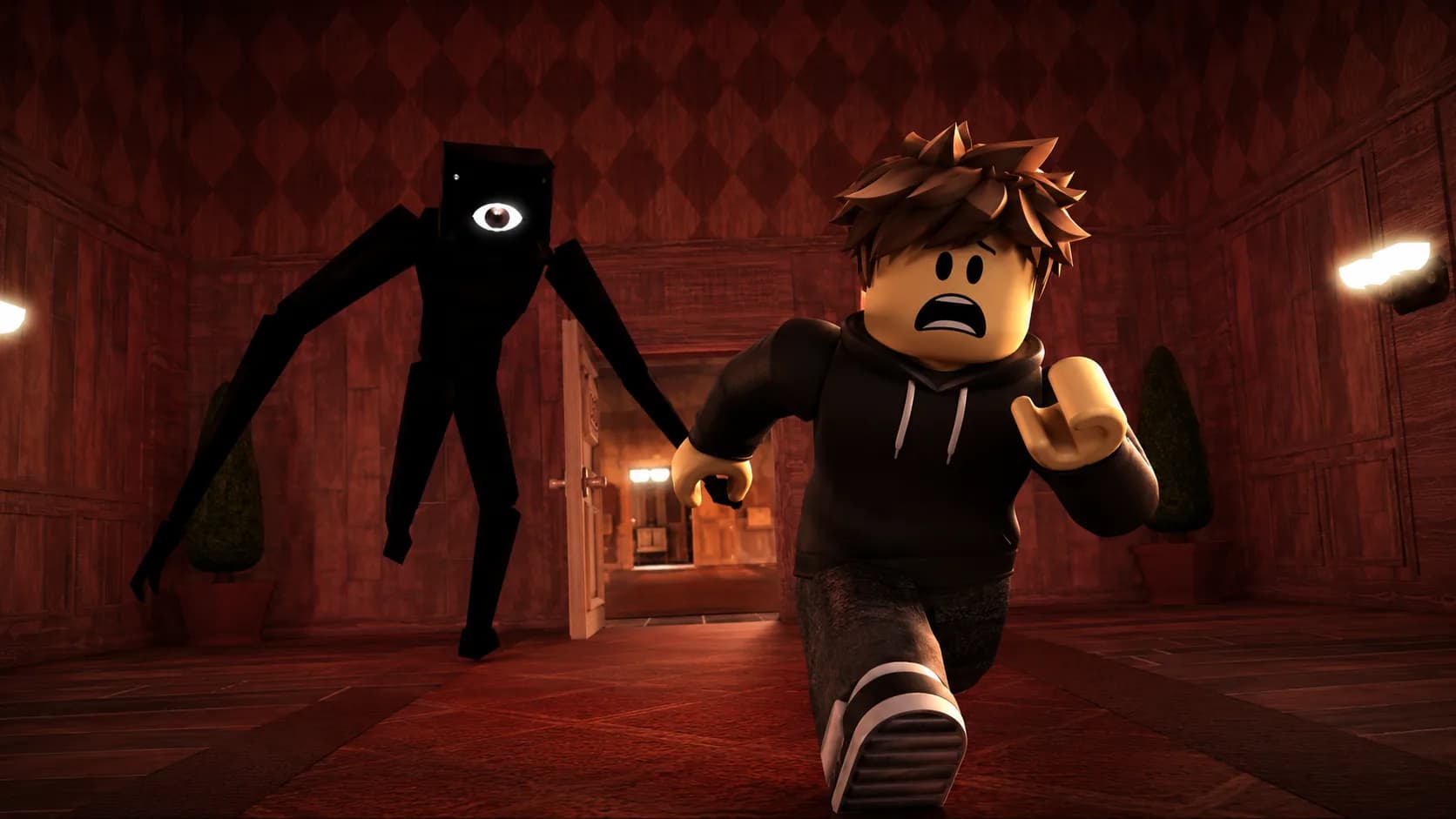
ONE DEMO, FOUR PLANNING IDEAS
Use a clear visual promise before adding detail.
This page combines one ClickCrit demonstration image with four strategy ideas. Generate from your own permitted reference to create a complete four-image Thumbnail Pack.
- Separate the player, threat, and possible exit with lighting rather than making the frame all black.
- Use one strong color accent to lead the eye toward danger or escape.
- Avoid gore and clutter; survival tension works best when the route is visible.
FOUR DEFAULT STRATEGIES
Compare different thumbnail jobs, not minor variations.
Each strategy makes a different part of the Horror / Survival experience the reason to look closer.
ANGLE 1
Monster Chase
Show the threat gaining ground behind a vulnerable player.
ANGLE 2
Monster Close-up
Let the monster dominate the frame and compress the player’s space.
ANGLE 3
Escape Door
Make one possible exit feel urgent and just out of reach.
ANGLE 4
Unknown Silhouette
Reveal only the clue that makes players want to know more.
EXAMPLE CREATIVE BRIEF
Plan a Horror & Survival thumbnail around your real game
Use this example to write your own brief. Replace every detail with an asset or scene you have permission to use.
- Reference to bring
- A screenshot of the real corridor, threat, and possible exit from your survival chapter.
- Message to test
- Lead the eye from the vulnerable player toward the exit while the threat closes in.
- Accuracy check
- Keep the monster and escape route recognizable; do not imply a scene or mechanic that is absent.
Check the Roblox thumbnail size and safe-area guide, then preview a candidate at card size. See how the Roblox thumbnail maker turns one reference into four concepts.
TYPE-SPECIFIC FAQ
Helpful constraints before you build your brief.
How dark should a Horror thumbnail be?
Dark enough to create atmosphere, but not so dark that the monster, player, and exit disappear. The viewer needs to understand the threat before the detail.
What makes an escape route compelling?
Place one possible exit within reach but make the route feel blocked by the monster, obstacle, or distance. That creates a clear survival question.
Ready to make this direction specific to your game?
Start with Horror / Survival preselected, then add your own campaign context and permitted private reference.
Create a Thumbnail Pack