
OBBY THUMBNAIL IDEAS
Obby Roblox Thumbnail Ideas
Freeze the jump players are not sure they can make.
Shape an Obby Thumbnail Pack around movement, danger, competition, and the visible promise of an impossible finish.
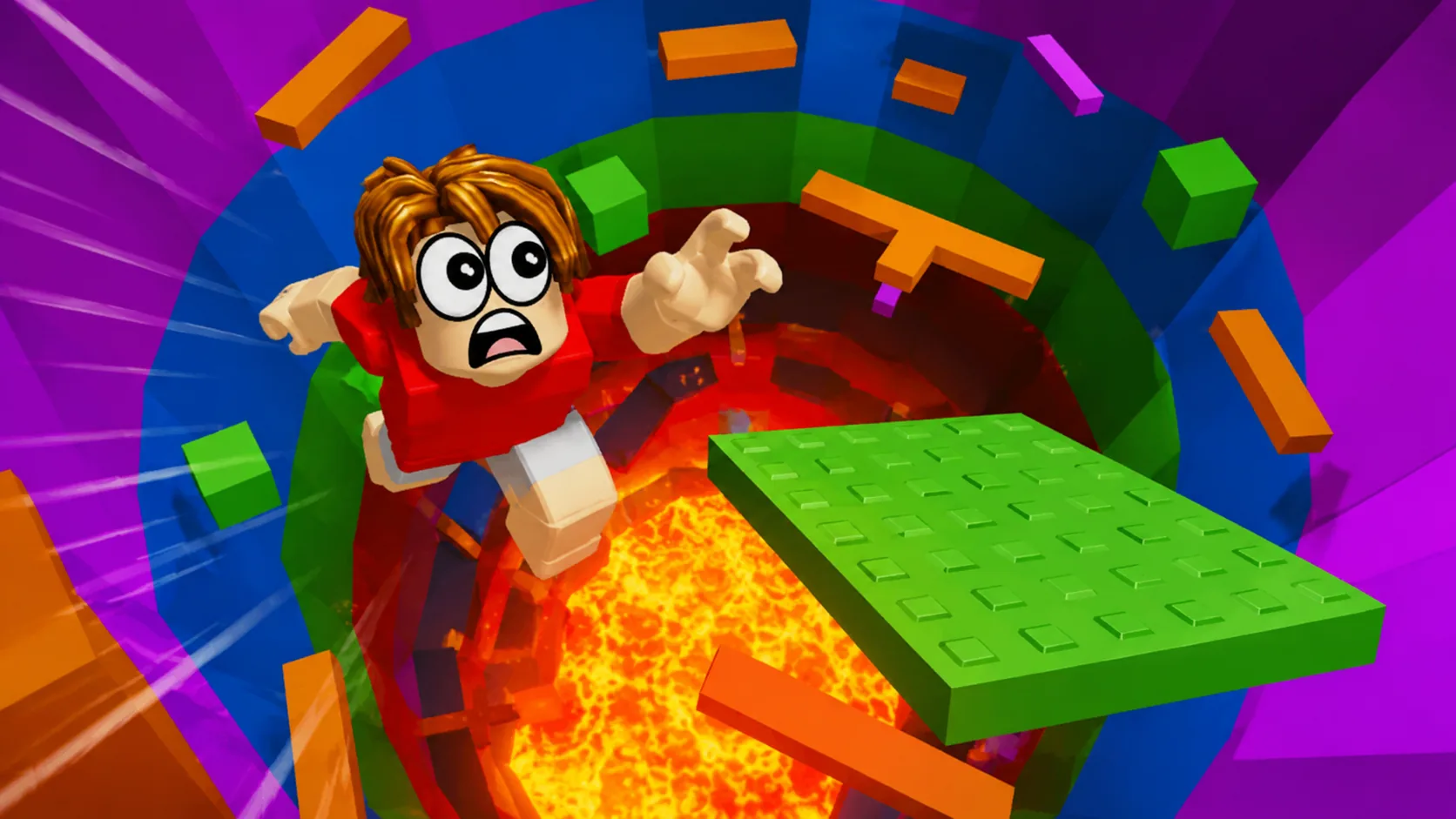
ONE DEMO, FOUR PLANNING IDEAS
Use a clear visual promise before adding detail.
This page combines one ClickCrit demonstration image with four strategy ideas. Generate from your own permitted reference to create a complete four-image Thumbnail Pack.
- Make the takeoff, hazard, and landing target visible in the same frame.
- Use a diagonal route or clear depth cue to show where the avatar is moving.
- Keep hazards readable; darkness or motion blur should not hide the actual challenge.
FOUR DEFAULT STRATEGIES
Compare different thumbnail jobs, not minor variations.
Each strategy makes a different part of the Obby experience the reason to look closer.
ANGLE 1
Mid-Air Danger
Catch the player at the highest-risk point over lava, height, or a void.
ANGLE 2
Near Fail
Frame the obstacle that is a split-second from winning.
ANGLE 3
Race / VS
Show two routes or rivals competing toward one goal.
ANGLE 4
Impossible Finish
Make the reward visible while the path looks wildly difficult.
EXAMPLE CREATIVE BRIEF
Plan a Obby thumbnail around your real game
Use this example to write your own brief. Replace every detail with an asset or scene you have permission to use.
- Reference to bring
- A screenshot that shows the real takeoff platform, hazard, and landing target.
- Message to test
- Freeze the jump at its most uncertain moment so the route reads at card size.
- Accuracy check
- Keep the obstacle layout and finish visible without inventing a shortcut or reward.
Check the Roblox thumbnail size and safe-area guide, then preview a candidate at card size. See how the Roblox thumbnail maker turns one reference into four concepts.
TYPE-SPECIFIC FAQ
Helpful constraints before you build your brief.
What should an Obby thumbnail show?
Show the player, the current platform or hazard, and the next destination together. A viewer should be able to read the risk in one glance.
When should I use a race direction?
Use Race / VS when rivals, alternate routes, or a timed finish are a real part of the update. Otherwise a single high-stakes jump is usually cleaner.
Ready to make this direction specific to your game?
Start with Obby preselected, then add your own campaign context and permitted private reference.
Create a Thumbnail Pack