
ROLEPLAY / LIFE / PET THUMBNAIL IDEAS
Roleplay / Life / Pet Roblox Thumbnail Ideas
Turn the life players want into a clear scene.
Create a set of lifestyle, home, vehicle, friendship, and pet-led thumbnail angles that make a roleplay world feel specific.
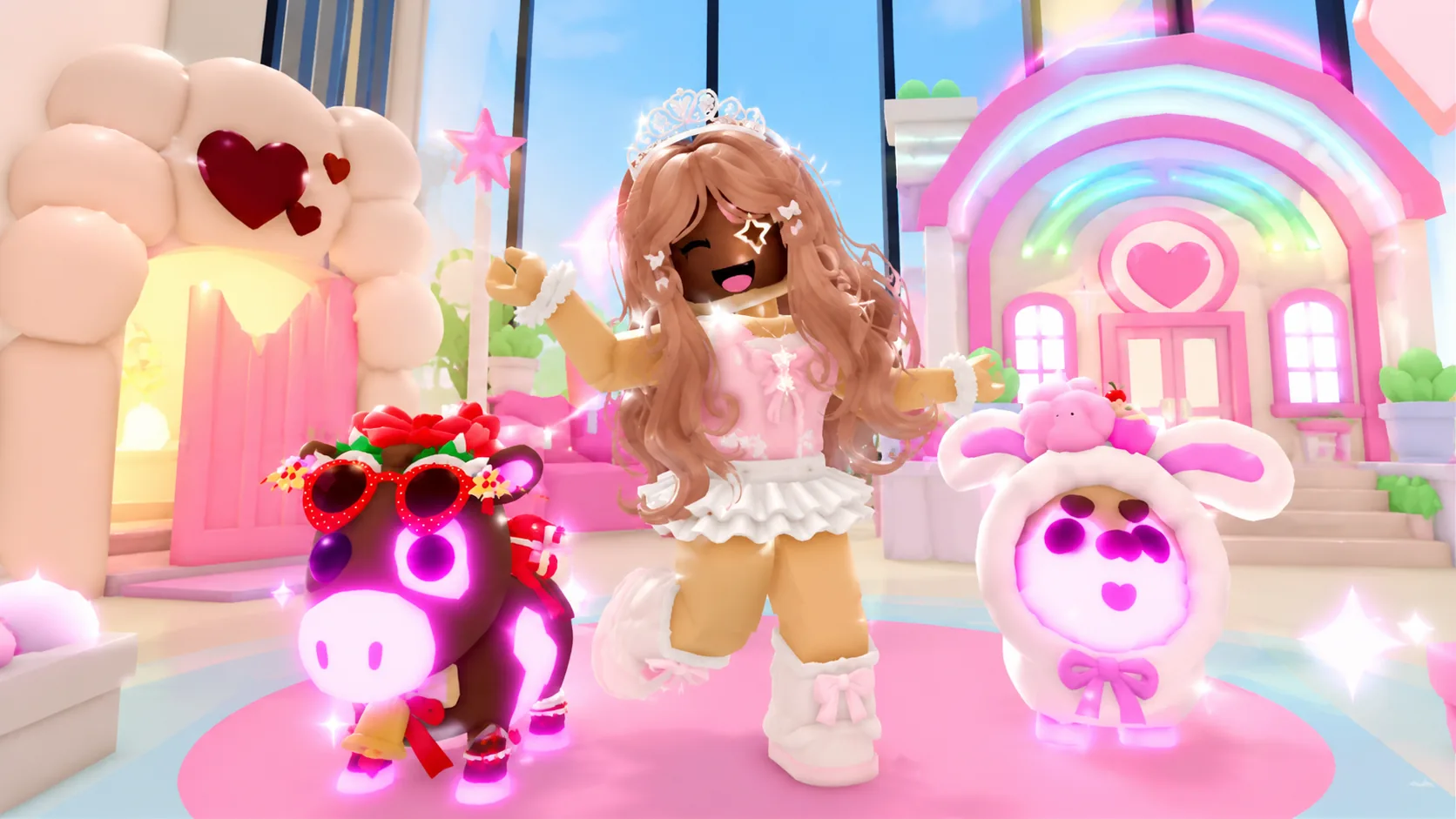
ONE DEMO, FOUR PLANNING IDEAS
Use a clear visual promise before adding detail.
This page combines one ClickCrit demonstration image with four strategy ideas. Generate from your own permitted reference to create a complete four-image Thumbnail Pack.
- Choose one lifestyle promise: a home, vehicle, pet, role, or social setting.
- Keep one avatar and one featured pet or prop dominant instead of filling the image with small characters.
- Use warm, readable environments that make the desired life feel specific, not generic.
FOUR DEFAULT STRATEGIES
Compare different thumbnail jobs, not minor variations.
Each strategy makes a different part of the Roleplay / Life / Pet experience the reason to look closer.
ANGLE 1
Dream Life Reveal
Frame the home, vehicle, or setting players want to step into.
ANGLE 2
Pet Spotlight
Make one distinctive companion the emotional center of the image.
ANGLE 3
Social Moment
Use character relationships to suggest a living shared world.
ANGLE 4
New Lifestyle
Reveal a role, location, or activity that changes the everyday loop.
EXAMPLE CREATIVE BRIEF
Plan a Roleplay & Life thumbnail around your real game
Use this example to write your own brief. Replace every detail with an asset or scene you have permission to use.
- Reference to bring
- A screenshot of an available home or hangout space with a pet players can actually meet.
- Message to test
- Make the companion the emotional focus and let the home show the lifestyle around it.
- Accuracy check
- Keep the pet, home, and social activity aligned with the experiences your game offers.
Check the Roblox thumbnail size and safe-area guide, then preview a candidate at card size. See how the Roblox thumbnail maker turns one reference into four concepts.
TYPE-SPECIFIC FAQ
Helpful constraints before you build your brief.
What should a Roleplay or Life thumbnail focus on?
Choose the life players want to enter: a dream home, pet, vehicle, social moment, or new role. Keep one emotional centerpiece visible at thumbnail size.
Can a pet be the main subject?
Yes. Pet Spotlight is designed to make one distinctive companion the emotional center, while the character and home or world support the story.
Ready to make this direction specific to your game?
Start with Roleplay / Life / Pet preselected, then add your own campaign context and permitted private reference.
Create a Thumbnail Pack