
TYCOON / BASE BUILDING THUMBNAIL IDEAS
Tycoon / Base Building Roblox Thumbnail Ideas
Let the empire be the reward.
Test directions that turn expansion, automation, and ownership into an immediately visible ambition for builders and tycoon players.
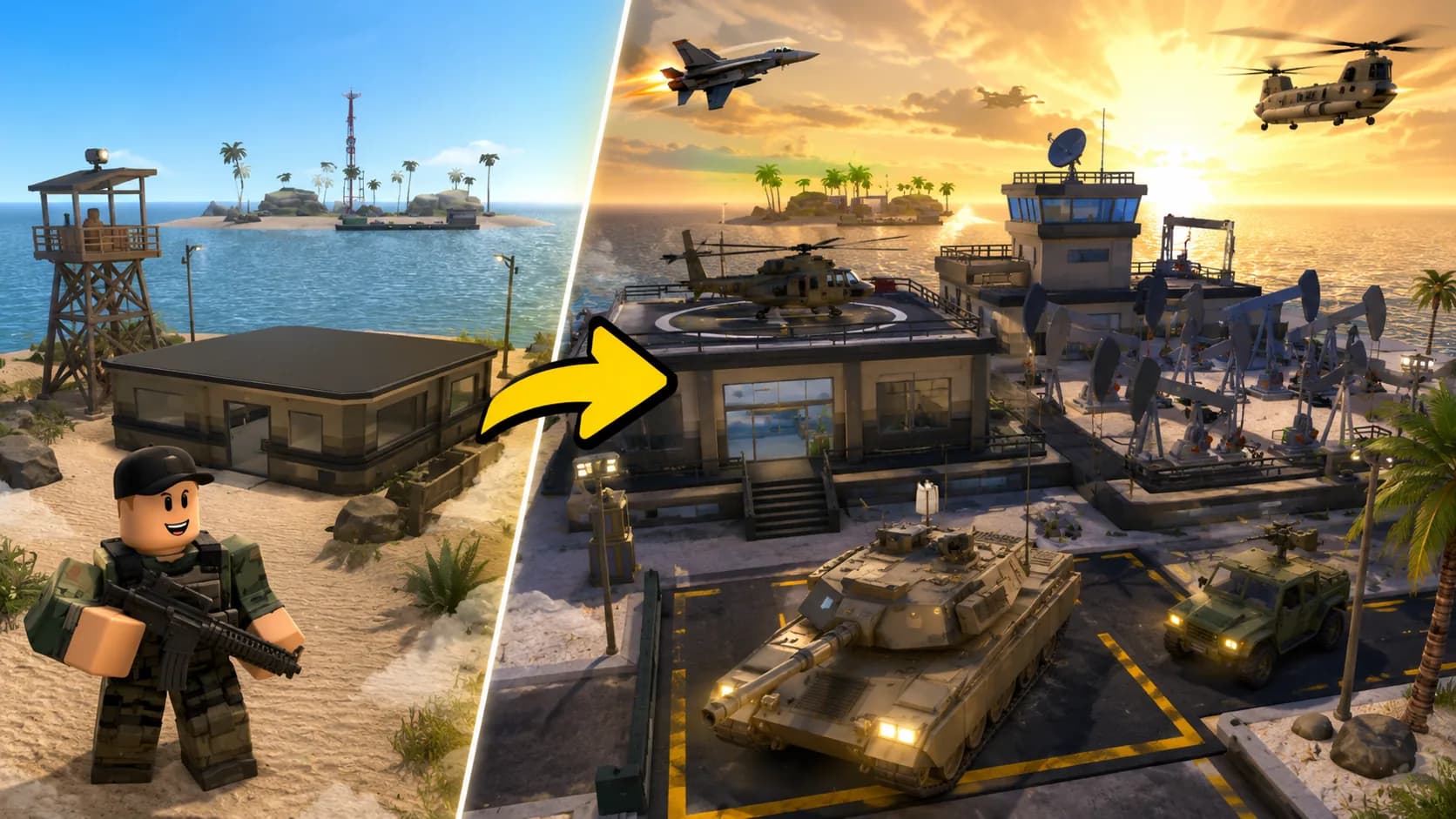
ONE DEMO, FOUR PLANNING IDEAS
Use a clear visual promise before adding detail.
This page combines one ClickCrit demonstration image with four strategy ideas. Generate from your own permitted reference to create a complete four-image Thumbnail Pack.
- Keep the before-and-after contrast to one clear base or upgrade story.
- Use the player for scale so large buildings still read on a small card.
- Prioritize the unique facility, vehicle, or production loop over generic cash icons.
FOUR DEFAULT STRATEGIES
Compare different thumbnail jobs, not minor variations.
Each strategy makes a different part of the Tycoon / Base Building experience the reason to look closer.
ANGLE 1
Starter vs Empire
Make the leap from a small start to a full operation unmistakable.
ANGLE 2
Money Machine
Center the production loop, factory, or cash-generating moment.
ANGLE 3
Big Upgrade Reveal
Give one unlocked building or facility a dramatic entrance.
ANGLE 4
Owner Overview
Use a proud owner viewpoint to show the completed world.
EXAMPLE CREATIVE BRIEF
Plan a Tycoon & Building thumbnail around your real game
Use this example to write your own brief. Replace every detail with an asset or scene you have permission to use.
- Reference to bring
- Screenshots of the starter base and one real upgraded facility from your game.
- Message to test
- Show the scale of the upgrade while keeping the player visible for comparison.
- Accuracy check
- Keep the facility and production loop true to the buildable version in the game.
Check the Roblox thumbnail size and safe-area guide, then preview a candidate at card size. See how the Roblox thumbnail maker turns one reference into four concepts.
TYPE-SPECIFIC FAQ
Helpful constraints before you build your brief.
What makes a Tycoon thumbnail easy to understand?
A viewer should quickly see what grew: the base, a machine, a vehicle, or an upgrade. Use scale, a single owner viewpoint, and one clear reward.
Should I show the whole base?
Not always. The Owner Overview strategy suits a complete world, while a Big Upgrade Reveal is better when one building or machine is the campaign focus.
Ready to make this direction specific to your game?
Start with Tycoon / Base Building preselected, then add your own campaign context and permitted private reference.
Create a Thumbnail Pack